
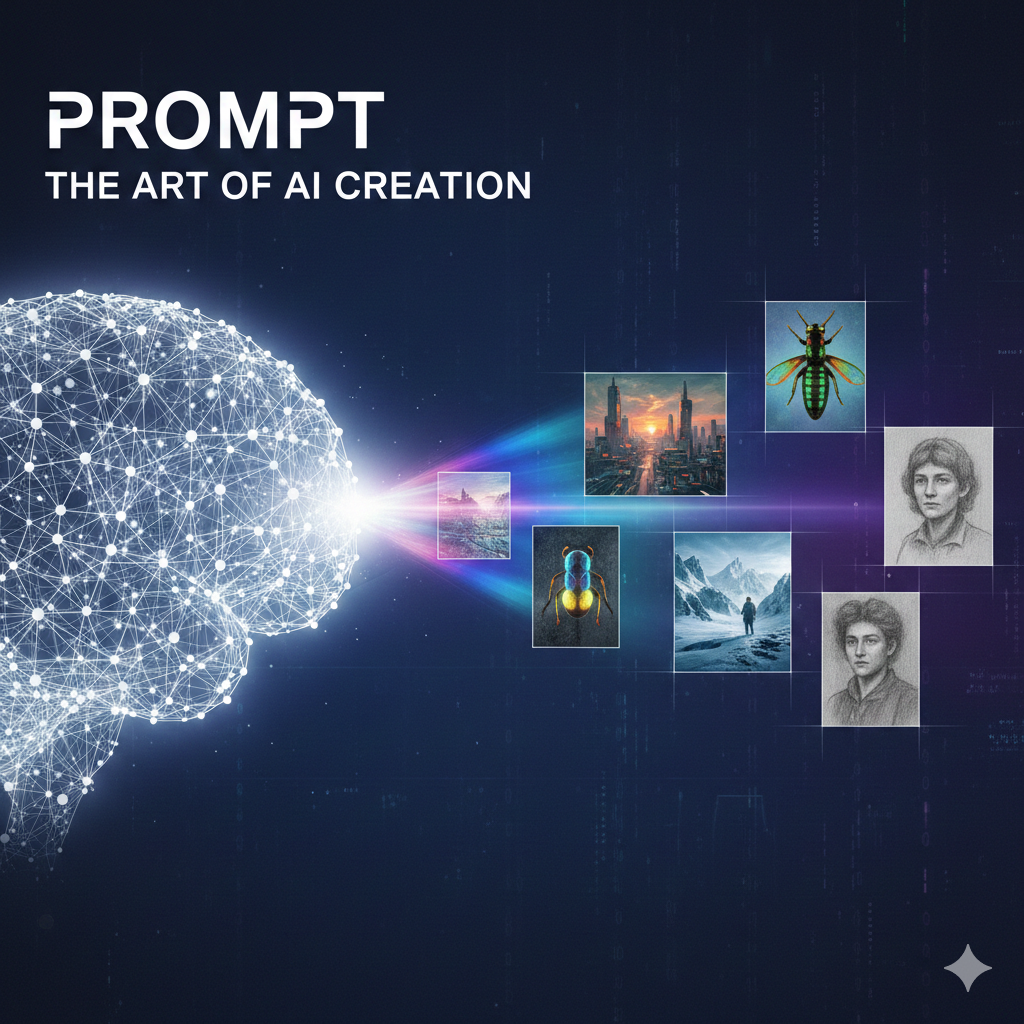
Creating a high-quality image prompt is a bit like being a film director: you need to provide enough detail for the “actor” (the AI) to understand the scene without micromanaging every single pixel.
The most effective prompts generally follow a structured hierarchy. Here are the key elements to include:
1. The Core Subject
Be specific about who or what is the center of the image. Instead of “a dog,” try “a golden retriever puppy.” Include actions or states of being.
- Example: “A robotic humming bird hovering over a glass flower.”
2. Style and Medium
This is often the most important part for setting the “vibe.” Without a style, the AI defaults to a generic look.
- Artistic: Impressionist oil painting, synthwave, charcoal sketch, 3D render.
- Photographic: Macro photography, cinematic film still, street photography.
- Artist References: “In the style of Van Gogh” or “Wes Anderson aesthetics.”
3. Environment and Background
Where is the subject? The background provides context and affects the lighting and colors of your subject.
- Example: “In a futuristic neon-lit Tokyo alleyway at night” or “Inside a sun-drenched Victorian greenhouse.”
4. Lighting and Color Palette
Light dictates the mood. You can describe the source, the intensity, or the specific colors.
- Lighting: Volumetric lighting, golden hour, harsh midday sun, bioluminescent glow.
- Colors: Monochromatic, pastel tones, vibrant primary colors, or high-contrast noir.
5. Composition and Camera Angle
Tell the AI where the “camera” is positioned.
- Angles: Low angle (looking up), bird’s-eye view, close-up, or wide-angle shot.
- Focus: Shallow depth of field (blurred background), sharp focus, or fisheye lens.
6. Technical Details
Specify the level of detail or the quality you’re looking for. While “4K” is a common trope, using descriptive terms is often more effective.
- Keywords: Highly detailed, intricate textures, hyper-realistic, grainy film texture.
The “Formula” for a Great Prompt:
[Subject] + [Action/Pose] + [Environment] + [Style/Medium] + [Lighting/Color] + [Composition]
Example:
“A majestic snowy owl (Subject) taking flight (Action) from a frost-covered pine branch (Environment) in the style of a National Geographic photograph (Style) during the blue hour (Lighting) with a shallow depth of field (Composition).”
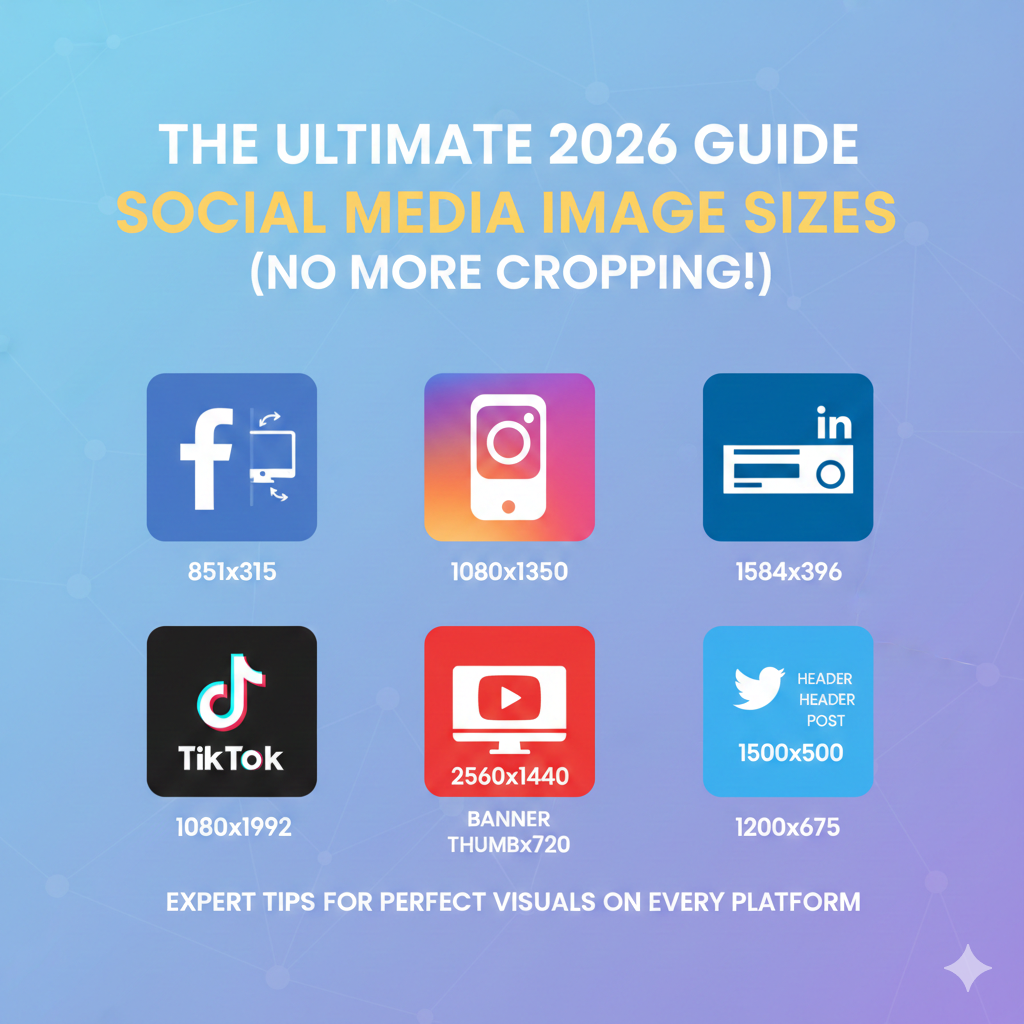
Before you create your image, make sure it’s the right size for where you intend to post it. We have summarized image size requirements for the major social media platforms.
Leave a Reply